
HomeKit Weekly: Using SwitchBot Vacuums with HomeKit
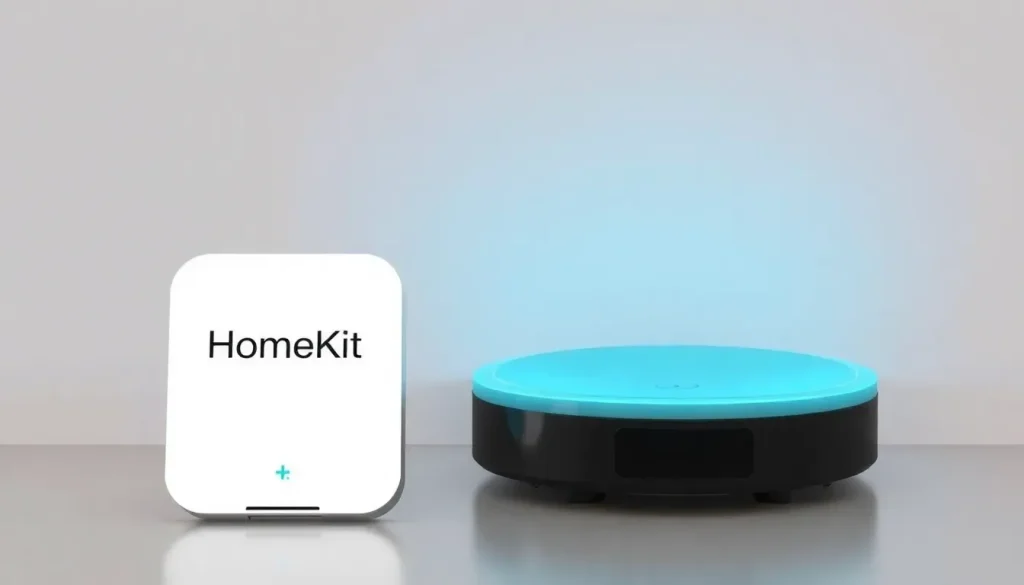
The smart home landscape is evolving rapidly, and with the recent integration of robot vacuums into Apple’s HomeKit system, homeowners now have greater control than ever. One of the standout players in this arena is the SwitchBot K11+, which has been gaining attention for its functionality and ease of use. In this article, we will delve into how to set up the K11+ with HomeKit, explore its key features, and understand how it fits into the broader context of home automation.
HomeKit Weekly is a series that dives into smart home accessories, including automation tips, tricks, and everything related to Apple’s smart home framework.
Setting up the SwitchBot K11+ with HomeKit
SwitchBot is among the pioneering brands that support the Matter protocol for robot vacuums, allowing seamless integration without the need for an additional hub. To begin, users must first onboard the vacuum into the SwitchBot app. This process involves a few straightforward steps:
- Open the SwitchBot app and add your K11+ vacuum.
- Navigate to the vacuum settings, and locate the Matter Setup section.
- Follow the prompts to connect to the vacuum; the app will generate a Matter code.
- Open the Home app, select the option to add a new accessory, and tap on the “More option” link.
- You should see the vacuum icon on the next screen—tap on it and enter the Matter code.
- Finally, assign a room for the vacuum and give it a name to complete the setup.
With these steps, you will have your K11+ fully operational in HomeKit, allowing you to control it with your Apple devices.
Using the SwitchBot K11+ in HomeKit
Once integrated into HomeKit, the functionality of the K11+ is user-friendly, albeit somewhat limited at this stage. Users can control basic functions, such as:
- Start and stop cleaning sessions.
- Select suction strength options.
- Choose which room to clean.
While it may not offer an exhaustive feature set, it effectively handles the essentials. Within the SwitchBot app, users can map their homes and label various rooms. These labels appear in HomeKit, functioning as simple identifiers rather than direct connections to rooms already established in the Home app. This allows for creative automations:
- Create a scene where the vacuum cleans specific areas, such as the kitchen and living room, while you are away.
- Integrate vacuum actions with other smart home devices, such as lights and thermostats.
It would enhance the user experience if SwitchBot could directly link room names from its app to those in the Home app, simplifying setup and organization.
Key features of the SwitchBot K11+
The SwitchBot K11+ boasts several noteworthy features that set it apart from other robot vacuums:
- Self-emptying dust storage: The compact self-emptying station, smaller than a sheet of paper, can hold a dust bag for up to 90 days, depending on usage.
- Innovative design: The twin side brush is designed to minimize tangling, although it may occasionally get caught on certain rugs.
- Compact size: At just 3.6 inches tall, the K11+ can easily maneuver under most furniture, making it effective in tight spaces.
- Excellent corner cleaning: The design allows for comprehensive coverage of edges and corners, ensuring no dirt is left behind.
These features contribute to a robust cleaning experience, making the K11+ suitable for various flooring types, including hardwood, tile, and carpets.
The SwitchBot Hub 3 and its Role
The SwitchBot Hub 3 plays a pivotal role in expanding the capabilities of the K11+ within the smart home ecosystem. This hub allows for enhanced control and automation of multiple SwitchBot devices. Some of its features include:
- Integration with various smart home platforms, including Google Assistant and Amazon Alexa.
- Remote access capabilities, enabling control even when you're away from home.
- Ability to create complex automations involving multiple devices, enhancing the overall smart home experience.
Using the Hub 3 not only amplifies the K11+'s functionality but also streamlines the management of your entire smart home setup.
SwitchBot app functionalities
The SwitchBot app is the central hub for managing your K11+ and other SwitchBot devices. Key functionalities include:
- Device onboarding and setup.
- Customizable cleaning schedules and routines.
- Real-time status updates and notifications.
This app ensures that users stay connected with their devices and can make adjustments as needed, enhancing convenience and efficiency.
What robot vacuums work with Siri?
For those looking to expand their smart home capabilities, many robot vacuums are now compatible with Siri through the HomeKit framework. Popular models include:
- iRobot Roomba series.
- Neato Robotics vacuums.
- Xiaomi Mi Robot Vacuum.
These vacuums can be easily integrated into your HomeKit setup, allowing for voice control and automation alongside other compatible devices.
Conclusion on the SwitchBot K11+
In summary, the SwitchBot K11+ represents a significant advancement in the realm of robotic vacuum cleaners, particularly with its integration into the Apple HomeKit ecosystem. While there are areas for improvement, particularly in feature depth and room mapping, its current offerings make it a solid choice for anyone looking to enhance their smart home experience. Whether it's through the ease of use in the SwitchBot app or the compatibility with HomeKit, the K11+ is a robot vacuum that delivers on its promises.
You can purchase the SwitchBot K11+ directly from Amazon or through the official SwitchBot website. The integration with HomeKit is built-in, requiring only a modern Apple TV or HomePod for full functionality.
For a visual guide on using robotic vacuums with Apple HomeKit, check out this video:



Leave a Reply