
Apple launches release candidates for watchOS 26.1 and tvOS 26.1
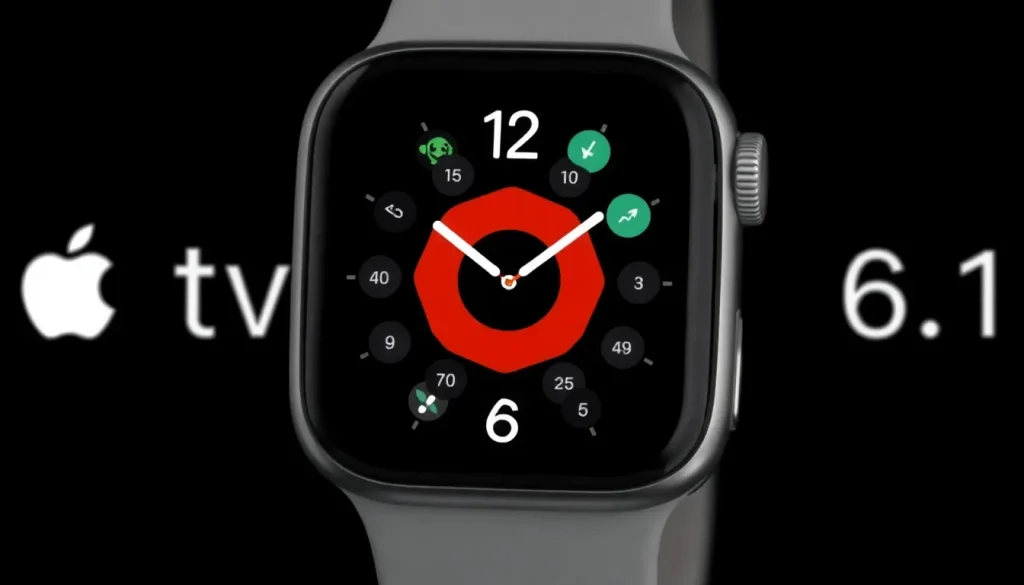
Apple is gearing up for a significant software update rollout, as it has recently released the Release Candidate (RC) versions for various operating systems, including watchOS 26.1 and tvOS 26.1. This latest round of updates is generating excitement among users and developers alike, as they look forward to new features and enhancements.
Upcoming software updates from Apple
Apple has been conducting beta tests for its upcoming software updates for over a month, indicating that the final versions are on the verge of being launched. These updates are set to enhance user experience across a variety of devices, including:
- iOS 26.1
- iPadOS 26.1
- macOS Tahoe 26.1
- watchOS 26.1
- tvOS 26.1
- visionOS 26.1
- HomePod 26.1
The release of the RC versions today is a clear sign that the public launch is imminent, with many anticipating these updates to be available within a week or so.
During the beta testing phase, the most significant changes have predominantly been focused on Apple's three major platforms: iOS, iPadOS, and macOS. This aligns with Apple's strategy of ensuring that its core platforms receive substantial enhancements before addressing its other systems.
Key features in iOS and iPadOS updates
The beta versions of iOS 26.1 and iPadOS 26.1 have introduced a range of noteworthy features, including:
- New settings for Liquid Glass design: Users can now adjust transparency settings for a more personalized interface.
- Expansion of Apple Intelligence languages: Significant improvements in live translation features for AirPods, reflecting Apple's commitment to enhancing accessibility.
- Restoration of Slide Over multitasking: iPad users will be pleased to see the return of this feature, making multitasking smoother.
These updates signify a concerted effort by Apple to refine user experience and expand the functionality of its devices.
What to expect from tvOS, watchOS, and visionOS updates
While the major updates seem to be concentrated on iOS and iPadOS, the updates for tvOS, watchOS, visionOS, and HomePod are expected to include some refinements but less substantial changes. Here are some anticipated updates:
- New Apple TV app icon: This change aims to align the app's visual identity with the rebranding of the Apple TV service.
- Minor adjustments and bug fixes: Users can expect general performance improvements and security updates that enhance the overall stability of the operating systems.
Despite the minimal changes noted in these platforms, Apple is likely to include essential bug fixes and performance enhancements that improve the user experience.
How to install the release candidates
For those eager to try out the latest features available in the RC versions of these updates, here’s a brief guide on how to install them:
- Ensure that your device is enrolled in the Apple Developer Program or the public beta program.
- Back up your device data to avoid any loss.
- Download the appropriate beta profile from the official Apple website.
- Navigate to Settings > General > Software Update on your device.
- Follow the prompts to install the RC version once it appears.
Keep in mind that running beta software can lead to instability, so it’s advisable to install these versions on secondary devices if possible.
Insights from user feedback
As beta testers explore the new features in watchOS 26.1, tvOS 26.1, and visionOS 26.1, user feedback can offer valuable insights into the effectiveness of the updates. Many users have reported minor improvements in usability, while some noted the absence of expected features. Engaging with the community can help identify bugs and suggest enhancements, making the software even better upon public release.
Have you encountered any noteworthy changes in the latest beta versions? Share your experiences and findings in the comments section.
Recommended accessories for Apple TV and HomePod
Enhance your experience with Apple products by considering some of these recommended accessories:
- Anti-slip silicone case for Siri Remote, compatible with AirTag
- TotalMount for securely mounting your Apple TV
- AirPods Pro 3 for an immersive audio experience
- HomeKit Garage Door Opener for smart home integration
- TP-Link Tapo 2K camera with HomeKit Secure Video
These accessories not only enhance your Apple experience but also integrate seamlessly with the new features of the upcoming software updates.
As Apple continues to evolve its software, keeping track of the enhancements and how they impact user experience will be crucial. For more detailed discussions and hands-on experiences, consider watching insights from the following video:


Leave a Reply