
watchOS 26 enhances Apple Watch's top face with two upgrades
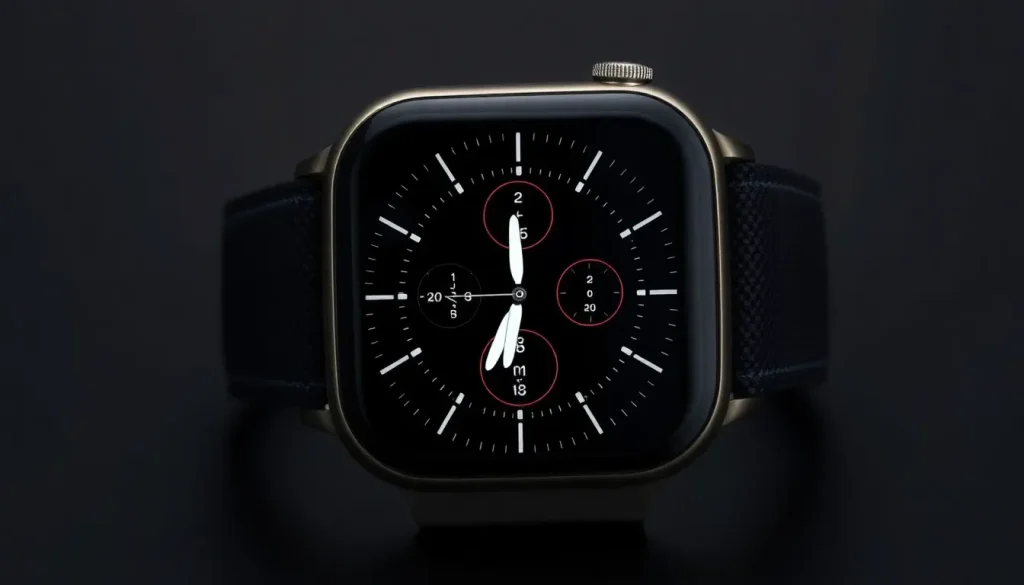
The Apple Watch continues to evolve, offering an impressive array of customizable watch faces that enhance user experience. Among these, the Photos watch face holds a special place as the most favored choice among users. With the arrival of watchOS 26, Apple has introduced notable upgrades that make this already popular face even more appealing. Let's explore these enhancements and what they mean for Apple Watch users.
Enhancements to the Photos watch face in watchOS 26
Released last month, watchOS 26 marks a significant update, particularly in terms of new and improved watch faces. This update showcases four brand new watch faces alongside a substantial enhancement of existing features, particularly the always-on seconds display across multiple faces.
According to Apple, the Photos watch face has consistently been the most popular among users, a trend that appears to remain unbroken. Its popularity is evidenced by the fact that Apple regularly invests in enhancing this particular face with each software update.
For instance, last year’s watchOS 11 introduced new customization options and the ability to receive photo suggestions through machine learning, a feature that delighted many users. Now, with watchOS 26, two exciting upgrades have been added to the Photos watch face.
- Featured photos option
- Liquid Glass time
The addition of the 'Featured' photos option allows users to select photos that automatically populate their watch face based on quality and appeal. This feature works similarly to the ‘Featured’ images found in the iPhone Photos app or on iOS Home Screen widgets, providing a diverse selection of images that are not limited to a specific category.
In practical terms, choosing the 'Featured' option means you can enjoy a refreshing variety of images on your watch face, showcasing different moments without the need to select specific albums or categories like 'Nature' or 'Cities'.
Another notable enhancement is the introduction of the 'Liquid Glass' option for displaying time on the Photos face. This new time presentation method allows users to see their selected photos more clearly, enhancing the overall aesthetic of the watch face.
To access this feature, users can navigate to the Time Color section while editing the Photos face, where they will find the new 'Glass' color option. This allows for a more immersive visual experience, as the time display becomes less obtrusive, letting your favorite photos shine through more prominently. However, for those who prefer a solid color display, the existing options remain available.
Exploring the new watch faces introduced in watchOS 26
In addition to the improvements to the Photos face, watchOS 26 has unveiled four new watch faces that cater to different user preferences. Each face has been designed with unique aesthetics and functionalities to enhance personalization.
- Modular Ultra: A face that allows for maximum customization with multiple complications.
- Portraits: A watch face that brings your favorite portraits to life with dynamic animations.
- Timelapse: Showcases breathtaking time-lapse photography from iconic locations around the world.
- Character: A playful face that incorporates fun elements from popular characters and themes.
These new additions not only extend the range of customization options available but also emphasize Apple’s commitment to enhancing user engagement through personalized experiences.
Compatibility and performance of watchOS 26
As with previous updates, watchOS 26 supports a range of Apple Watch models, ensuring that a wide audience can benefit from the latest features. The update is compatible with:
- Apple Watch Series 4 and later
- Apple Watch SE (1st and 2nd generation)
- Apple Watch Ultra
This broad compatibility highlights Apple's intention to maintain a strong connection with its user base, allowing many to experience the latest innovations. Not only does this enhance the functionality of older models, but it also ensures that all users have access to the newest features and improvements.
What are the most popular watch faces among users?
The Photos watch face may be the most widely recognized, but it is not the only face that enjoys popularity. Many users prefer a variety of faces based on their daily needs and style preferences. Some of the most popular watch faces include:
- Infograph: Known for its extensive complications and data display capabilities.
- Activity: Focused on fitness tracking and activity levels.
- Numerals Duo: A minimalist face that emphasizes time display.
- Solar: A unique face that displays the sun's position throughout the day.
These faces contribute to the Apple Watch’s versatility, allowing users to switch styles depending on their mood or activity.
Accessorizing your Apple Watch for a personalized touch
To complement the aesthetic appeal of the Photos watch face and other designs, users often look for accessories that enhance their overall experience. Here are a few must-have accessories:
- AirPods Pro 3: Perfect for enjoying music or taking calls seamlessly.
- Portable USB-C charger for Apple Watch: A convenient charging solution on the go.
- Retro Mac stand for Apple Watch Nightstand Mode: A stylish way to charge your watch while displaying it.
- Anker 20W USB-C charging brick: Fast and efficient charging.
- Metal adjustable link Apple Watch band: Adds a touch of elegance and comfort.
These accessories not only enhance functionality but also allow users to express their personal style, making the Apple Watch an even more integral part of their daily lives.
For those eager to dive deeper into the features of watchOS 26, check out this insightful video that breaks down everything you need to know:



Leave a Reply