
Discover the latest Android Auto features for music lovers
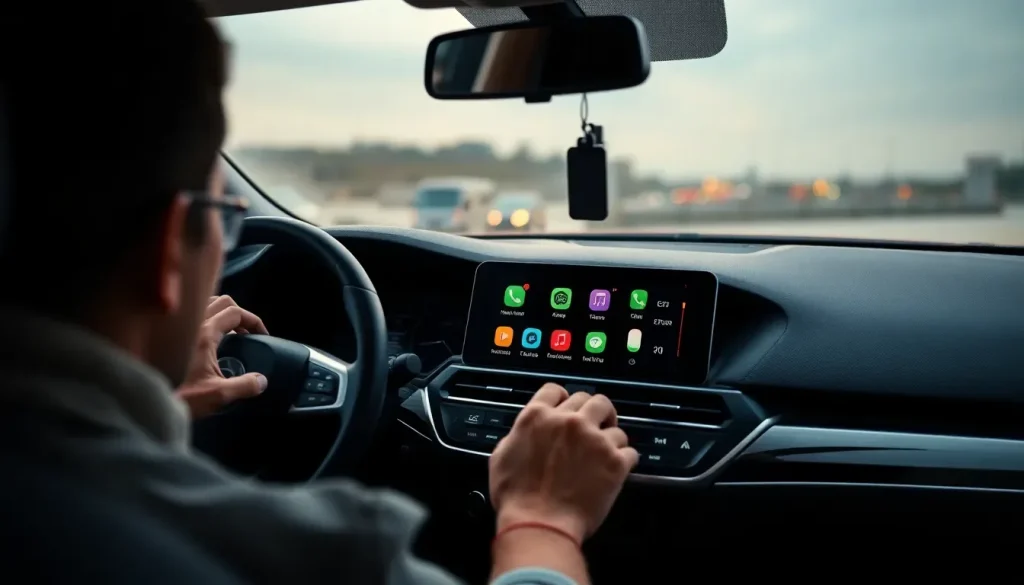
In recent months, Google has made significant strides in enhancing Android Auto, a platform that continues to shape the way we interact with our vehicles. As car connectivity becomes increasingly integral to our driving experience, the latest updates promise to revolutionize not just navigation, but also the way we consume audio content on the road. If you're someone who frequently listens to music, podcasts, or audiobooks in your car, this is a development you won't want to miss.
With the imminent release of exciting features, including a more intuitive interface and improved multitasking capabilities, Android Auto is set to make your driving experience smoother and more enjoyable. Let's dive into what these changes mean for you as a user.
How the new audio feature works in Android Auto
The upcoming audio feature in Android Auto is designed to streamline the process of switching between different audio apps. Currently, users must go through multiple steps to change from one app to another, such as opening the app list, selecting the desired app, and then returning to the split screen view. This process can be cumbersome, especially when driving.
Google's solution is elegantly simple: the new interface will allow users to switch between audio apps like Spotify, YouTube Music, or podcast applications with a simple swipe. This feature is particularly beneficial for long trips, where you might want to change from music to a podcast or audiobook seamlessly.
For those eager to see how this new functionality will operate, Android Authority has released an APK that showcases the upcoming changes. By testing the APK, users can get a sneak peek of the redesigned interface and how the audio switching mechanism will function.
Android Auto's latest version: 15.1 APK
The latest version of Android Auto, 15.1 APK, includes a variety of improvements and bug fixes, enhancing the overall user experience. Among these updates are performance enhancements and stability fixes that aim to reduce crashes and optimize the interface.
- Improved app compatibility for third-party audio services.
- Enhanced user interface for easier navigation.
- More responsive touch controls for safer driving.
As Google continues to refine the platform, users can expect regular updates that focus on increasing usability and accessibility while driving.
Exploring Android Auto's Material 3 design
One of the most striking aspects of the Android Auto updates is the adoption of Material 3 design principles. This design philosophy emphasizes a clean, minimalist aesthetic that not only looks modern but also enhances usability. The goal is to ensure that the interface is easy to navigate while minimizing distractions for drivers.
Key features of Material 3 in Android Auto include:
- A streamlined color palette that adapts to various lighting conditions.
- Improved typography for better readability.
- Responsive layouts that adjust based on user preferences.
This evolution in design is crucial for maintaining focus on the road while providing an aesthetically pleasing interface.
In addition to audio updates, Google is also integrating new navigation features through the Magic Earth app. This app offers advanced routing capabilities alongside environmental considerations, such as traffic conditions and potential hazards. Users can expect:
- Real-time traffic updates and alternate routing suggestions.
- Integration with public transport options for comprehensive travel solutions.
- Enhanced visual navigation aids, making it easier to follow routes.
This kind of integration not only adds value to the driving experience but also promotes safer and more informed navigation.
Android Auto's new interface for media playback
With the introduction of the new interface, Android Auto is enhancing how users interact with media playback. The new design allows for quick access to controls for play, pause, skip, and volume adjustments, all while maintaining focus on the road. This interface aims to reduce the need for drivers to take their eyes off the road.
For a closer look at the new features, check out this informative video:
Future updates and what to expect
While the new audio feature and interface enhancements are exciting, users can anticipate even more improvements in the near future. Google is continuously exploring ways to expand the capabilities of Android Auto, focusing on:
- Enhancing voice command features for hands-free operation.
- Adding support for more third-party applications.
- Refining the user experience based on user feedback.
As these updates roll out, Android Auto is set to become an even more indispensable tool for drivers who rely on audio content during their journeys.
In summary, the upcoming changes to Android Auto are designed to enhance usability, streamline audio playback, and improve the overall driving experience. As technology continues to evolve, it will be exciting to see how these innovations will further integrate into our daily lives on the road.



Leave a Reply