
Google Maps introduces lifesaving feature to prevent battery drain
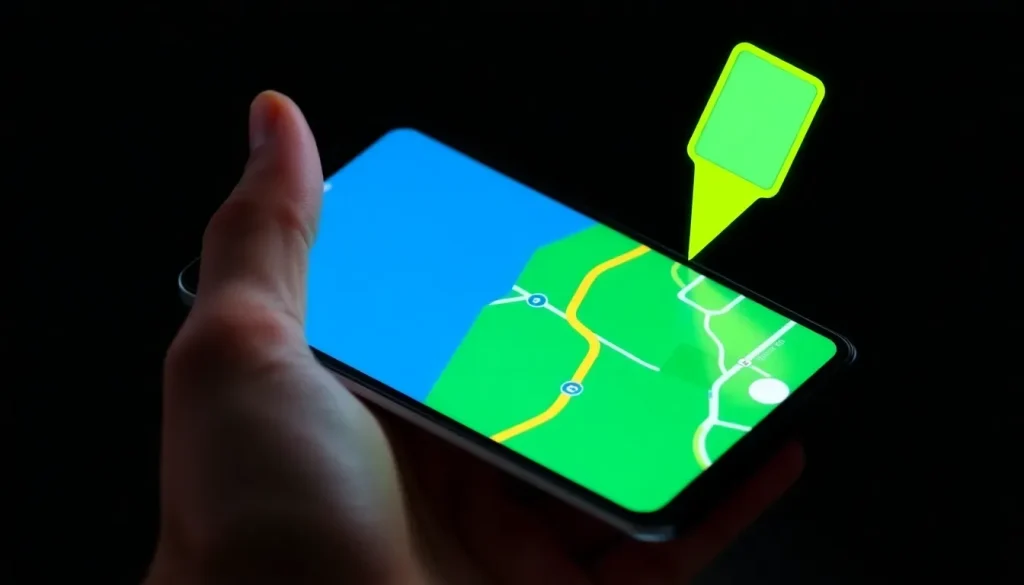
Using Google Maps while driving or navigating in any other way has significant benefits, but it also comes with a common issue: the mobile battery tends to drain quickly. Fortunately, the team at Mountain View is aware of this inconvenience and is working on a solution that could be a game-changer: a new energy-saving mode.
Recent findings by Android Authority indicate that this feature is currently in development within the latest beta version of Google Maps for Android. While it is still under progress, the details revealed are quite promising.
The upcoming energy-saving mode in Google Maps introduces a minimalist and monochrome design. When activated, the navigation screen continues to provide route directions but through a much simpler interface than the standard mode.
According to reports, the new appearance limits the application aesthetic to the basic map layer set against a black background. Streets are displayed in gray, while the navigation route stands out in white.
The top portion of the screen retains the direction bar, and the lower section displays essential information such as total travel time, distance, and estimated arrival time, all adapted to this reduced and darker appearance.
To extend battery life, other components of the Google Maps interface will be removed. This includes the report buttons, the compass, the search bar, and the sound control. However, audio instructions will still function without modifications.
Google Maps introduces a minimalist design for battery saving
While there are several tricks available to save battery while using Google Maps, this new minimalist and monochromatic mode could provide the ultimate solution to a frequent user issue. If you often drive for extended periods and your car doesn’t support Android Auto, you might have experienced battery challenges with the navigation app.
The great aspect of this energy-saving mode is that it is not limited to driving in cars. According to Android Authority, it also supports routes for two-wheeled vehicles (bicycles, motorcycles) and pedestrian navigation. Interestingly, in the walking mode, the appearance shifts from the monochrome style to displaying the traditional blue route points. It remains to be seen if this will be the final version or if it might change before the official rollout.
Another intriguing detail about the battery-saving feature is that it cannot be activated via a standard option in the interface. The coding indicates that to enable it, users need to tap the power button on their phone while navigation is active. It is currently unclear whether this functionality will be adjustable within the app's settings.
It is also worth noting that the energy-saving mode only operates in portrait mode. Therefore, if you are accustomed to navigating with Google Maps in landscape orientation, you won’t be able to utilize this feature. Time will tell if this restriction remains when the feature is released to the general public, but there are no indications yet on when that will happen.
How much battery does Google Maps consume?
The battery consumption of Google Maps can vary significantly based on multiple factors including:
- GPS usage frequency
- Screen brightness settings
- Background apps running simultaneously
- Data usage settings
On average, users may find that Google Maps can consume between 10% to 30% of their battery during an hour of driving. This can be particularly taxing on older devices or those with less battery capacity.
How to know when the Google Maps car is passing by?
Curious users often want to track the famous Google Maps camera car. While there’s no official way to pinpoint its location in real-time, you can follow certain tips:
- Check local news outlets for announcements on mapping updates.
- Follow Google Maps’ official social media for updates.
- Join local community forums where enthusiasts share sightings.
Additionally, Google may release blog posts regarding new map updates, potentially indicating where the camera car has been deployed recently.
How to disable fuel efficiency on Google Maps?
For those who prefer a more standard navigation experience without the energy-saving features, disabling the efficiency mode is straightforward. Typically, users can:
- Open Google Maps.
- Go to settings.
- Select Navigation settings.
- Toggle off Fuel Efficiency Mode.
Disabling this feature can allow for a more comprehensive interface, making navigation feel more familiar and functional.
When will Google Maps change?
While there is no confirmed release date for the new energy-saving mode, Google frequently updates its applications, suggesting that users might see this feature implemented soon. Keeping your app updated through the Google Play Store will ensure access to the latest features as they roll out.
In the meantime, users can explore additional features and updates by checking Google’s official channels or tech news outlets. These sources often provide insights into upcoming changes, ensuring users are aware of what’s coming next.
For a visual guide on optimizing vehicle navigation, check out this video on TikTok: Cambio de Acelerador para Vehículos Eléctricos.



Leave a Reply