
Samsung Express P9 eleva el estándar de tarjetas microSD
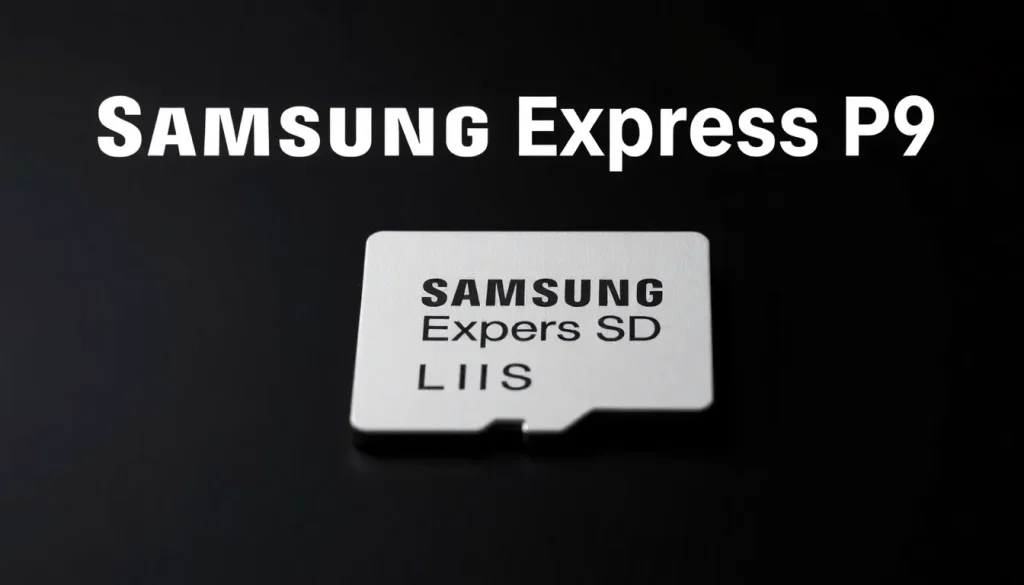
In a world where data storage needs are ever-growing, Samsung has unveiled its latest innovation: the Samsung Express P9 microSD cards. These cards are not just another option in the market; they represent a significant leap in performance for mobile gaming, professional photography, and video recording. Understanding the advancements and capabilities of the P9 cards can transform how you manage and store your digital content.
MicroSD cards, while not as prevalent in smartphones as they once were, continue to be indispensable in various electronic devices. From laptops and tablets to high-end cameras and gaming consoles like the Nintendo Switch 2, the flexibility of microSD usage is immense. The Samsung Express P9 series is particularly designed to meet the demands of these devices, offering superior speed and reliability.
- Understanding the Samsung Express P9 microSD Cards
- Key Features of the Samsung Express P9 Cards
- Applications of the Samsung Express P9 microSD Cards
- Comparative Analysis: Samsung Express P9 vs. Traditional microSD Cards
- Price and Availability of the Samsung Express P9 Cards
- How to Change Storage to the SD Card on Samsung Devices
- Choosing the Right microSD Class for Your Samsung Device
- Conclusion
Understanding the Samsung Express P9 microSD Cards
The Samsung Express P9 microSD cards utilize the cutting-edge SD Express technology, which leverages the same foundational technology found in Solid State Drives (SSDs). This includes the PCIe interface and NVMe protocol, significantly enhancing the data transfer rates compared to previous generations. Users can expect speeds of up to 800 MB/s for reading, which is a game-changer for those who require fast data access.
Key Features of the Samsung Express P9 Cards
These microSD cards are engineered with several advanced features aimed at providing optimal performance and reliability:
- Host Memory Buffer (HMB): This technology maximizes the efficiency of data access by utilizing the device's system memory.
- Dynamic Thermal Guard (DTG): Ensures the card remains within safe temperature limits, reducing the risk of overheating during intense usage, such as gaming or 4K video recording.
- High Durability: Designed to withstand extreme conditions, including water immersion, temperature fluctuations, X-ray exposure, accidental drops, dust, and pressure.
Applications of the Samsung Express P9 microSD Cards
Given their advanced specifications, these microSD cards are particularly suited for:
- Mobile gaming, offering quick load times and smoother gameplay.
- Professional photography and videography, where high data transfer speeds are crucial for large files.
- Expanding storage options for tablets and laptops, facilitating seamless access to extensive libraries of media and applications.
Comparative Analysis: Samsung Express P9 vs. Traditional microSD Cards
When considering the investment in a Samsung Express P9 card, it is essential to compare it with traditional microSD options, particularly UHS models. Here's a quick overview of how they stack up:
| Feature | Samsung Express P9 | Traditional UHS microSD |
|---|---|---|
| Read Speed | Up to 800 MB/s | Up to 100 MB/s |
| Durability | Water, temperature, and drop resistant | Basic resistance |
| Use Cases | Gaming, professional media | General storage |
Price and Availability of the Samsung Express P9 Cards
The Samsung Express P9 microSD cards are set to hit the market with two storage options: 256 GB and 512 GB. Expected prices are approximately €65 for the 256 GB version and €112 for the 512 GB variant. While they may be pricier than traditional UHS microSD cards, the enhancements in performance and reliability justify the cost for serious users.
How to Change Storage to the SD Card on Samsung Devices
For users looking to maximize their device’s storage capabilities, transferring data to the SD card can be a straightforward process:
- Insert the microSD card into the designated slot on your Samsung device.
- Navigate to Settings and select Storage.
- Choose the option to Move Data to SD Card.
- Follow the prompts to select the data you wish to transfer.
Choosing the Right microSD Class for Your Samsung Device
When selecting a microSD card, it’s essential to consider the different classes available. Here are some key points:
- Class 10: Minimum write speed of 10 MB/s, suitable for HD video recording.
- UHS-I: Higher speed ratings, ideal for 4K video and high-resolution photography.
- UHS-II: Offers even greater speed and is perfect for professional usage.
Conclusion
As Samsung continues to push the boundaries of storage technology with the Express P9 microSD cards, users can expect enhanced performance and reliability. Whether you're a mobile gamer, a photographer, or someone who simply needs extra storage on their device, the P9 cards represent an excellent investment for high-speed data transfer and robust durability.
For more information on the Samsung Express P9, check out this insightful video:



Leave a Reply