
Samsung Web Browser Now Available for Windows PCs
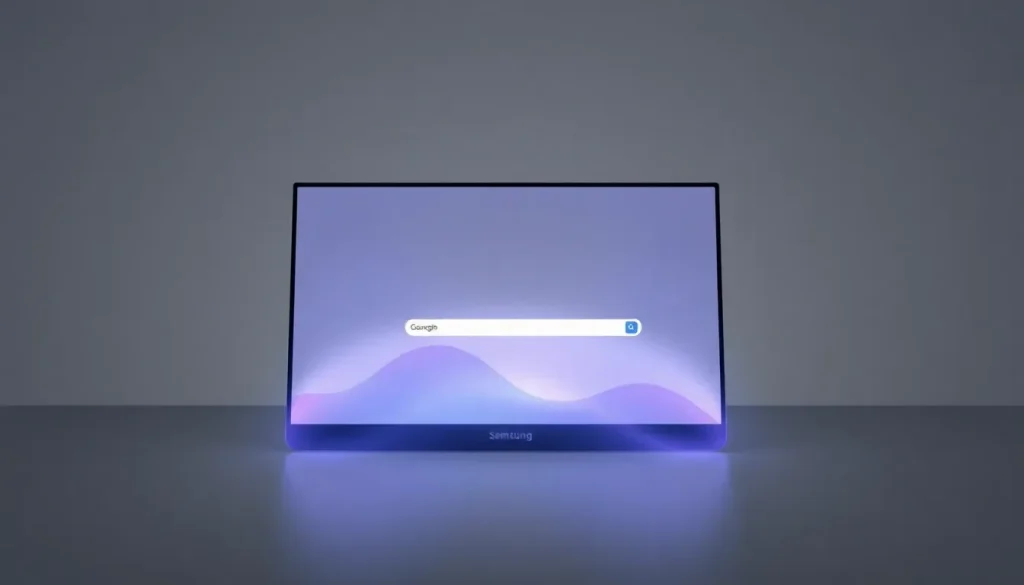
Samsung has taken a significant step in expanding its digital ecosystem by introducing its web browser to Windows PCs. This marks a pivotal shift for a company that has traditionally focused on mobile platforms for over a decade. The beta version of the Samsung Internet browser is now available in the United States and South Korea for users with Windows 10 and 11, with plans to roll it out globally.
In a marketplace filled with numerous web browsers, ranging from the dominant Google Chrome to Firefox, Samsung Internet seeks to carve out its niche. With the rise of AI-enhanced browsers, Samsung aims to leverage its vast mobile user base and integrate its advanced technology to create a unique browsing experience.
Expanding Samsung Internet to Desktop
The Samsung Internet browser for PCs is designed to create a unified browsing experience across all Samsung devices. This seamless integration is particularly appealing to the hundreds of millions of users who own Samsung smartphones.
The browser includes features that enhance the connection between mobile and desktop experiences, making it easier for users to switch between devices. Some of the key features include:
- Syncing across devices: Users can access bookmarks, browsing history, and saved passwords on both their smartphones and PCs.
- Biometric security: The Samsung Pass service allows for easy authentication and form filling using fingerprint recognition.
- Navigation Assistant: This feature summarizes web pages and translates content in real-time, significantly improving user experience.
Samsung’s Vision for a Unified Ecosystem
Samsung is fostering a vision where its browser evolves from a basic tool to an intelligent platform that anticipates user needs. This evolution is part of a broader strategy to enhance user interaction with the web. Won-Joon Choi, the head of Mobile eXperience (MX) at Samsung, stated, “In the future, Samsung Internet's capabilities will redefine how users interact with the web, transforming from a passive browser to an integrated AI platform that understands users while protecting their data.”
This ambitious vision highlights Samsung's commitment to creating a more intuitive and responsive browsing experience, bridging the gap between devices and enhancing productivity.
Privacy and Security Features
Another crucial aspect of the Samsung Internet browser is its focus on user privacy and security. In today’s digital age, where data breaches and privacy concerns are rampant, having robust security measures is essential. Samsung has implemented several features to ensure user safety:
- Intelligent anti-tracking technology: This feature blocks third-party attempts to collect user data.
- Real-time privacy panel: Users can monitor their privacy settings and protections actively.
- Secure mode: Enhanced security protocols for browsing sensitive sites or conducting transactions.
Getting Started with Samsung Internet on PC
For users eager to try out the Samsung Internet beta version, registration is currently open for residents in the United States and South Korea at browser.samsung.com/beta. Samsung has plans to extend availability to other regions in the coming weeks.
While it is still in beta, the browser is expected to support extensions from the Chrome Web Store, suggesting that it operates on Google’s Chromium engine, enhancing its compatibility with numerous web tools and extensions.
How to Connect Your Samsung Device to a Windows PC
To maximize the benefits of the Samsung Internet browser, users should consider how to efficiently connect their Samsung devices to their Windows PCs. This connection not only aids in syncing data but also enhances the overall user experience. Here’s how to do it:
- Ensure that both your Samsung device and PC are connected to the same Wi-Fi network.
- On your Samsung device, navigate to the Quick Settings panel and select "Link to Windows".
- Follow the on-screen instructions to pair your device with your PC.
- Install the "Your Phone" app on your Windows PC if you haven't done so.
- Sign in with your Microsoft account to link your devices.
- Once connected, you can access notifications, messages, and photos directly on your PC.
Integration with Galaxy AI
Samsung Internet is not just a standalone application; it integrates with Galaxy AI, enhancing its functionality. Galaxy AI offers various smart features, such as:
- Personalized content recommendations: Tailors web content based on user behavior.
- Voice commands: Allows users to control browsing through voice, adding convenience.
- Smart search capabilities: Provides intelligent search suggestions and results.
These features work together to create a more personalized and engaging browsing experience, appealing to users who value efficiency and intelligence in their digital interactions.
As Samsung continues to develop its Internet browser, it is poised to compete in a crowded market by leveraging its existing mobile user base and focusing on innovative features. The transition to desktop represents not just a new product launch, but a strategic move towards creating a cohesive digital ecosystem that connects all Samsung devices.
For more insights about Samsung Internet, you can explore this informative video:


Leave a Reply