
Windows 11 adopts top feature from Apple Vision Pro with Meta's help
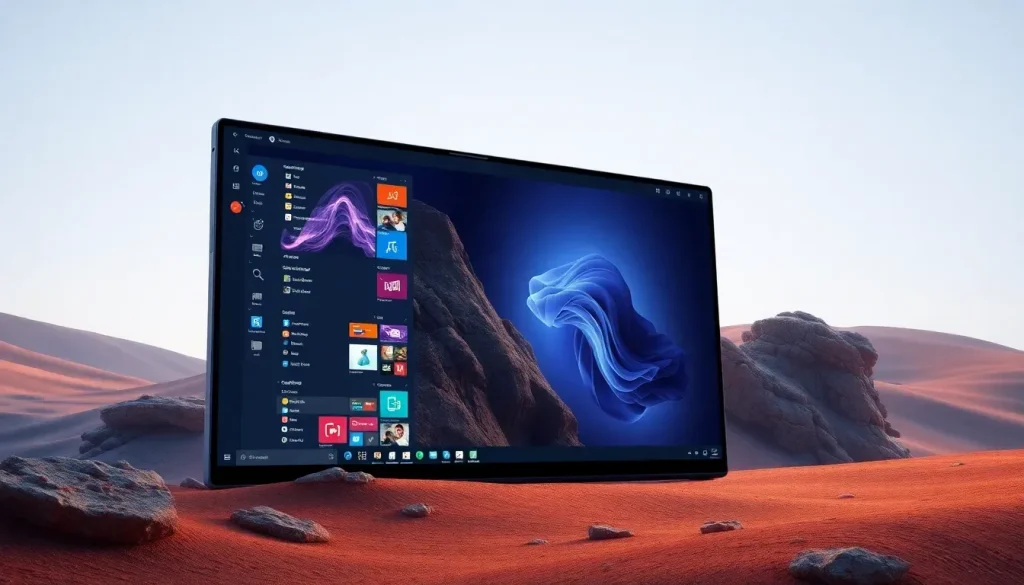
In an era where virtual reality (VR) and mixed reality (MR) are reshaping how we interact with technology, the recent collaboration between Microsoft and Meta brings exciting advancements for users of the Meta Quest 3 and Quest 3S. With Windows 11 now supporting multiple virtual monitors via these headsets, the potential for immersive productivity has never been greater. Whether you're a gamer, a professional, or a casual user, this feature is designed to elevate your computing experience in a virtual environment.
But what does this really mean for users? The introduction of this functionality mirrors features already offered by Apple’s Vision Pro, highlighting a competitive landscape in the realm of immersive technology. Let’s explore the ins and outs of this new feature, its benefits, and how it compares to other offerings in the market.
- Understanding the virtual environment and passthrough capabilities
- Exploring the features of Meta Quest 3 and Quest 3S
- Setting up your Windows 11 experience with Meta Quest
- Configuring virtual monitors for optimal productivity
- Comparison with Apple Vision Pro
- The future of mixed reality and productivity
Understanding the virtual environment and passthrough capabilities
The integration of multiple virtual monitors into Windows 11 is not just a technical upgrade; it represents a significant shift in how we can interact with our computers. By utilizing the passthrough feature, users can either immerse themselves in a completely virtual workspace or remain aware of their physical surroundings. This dual functionality caters to a variety of user preferences and needs.
Key features of the passthrough mode include:
- Awareness of Surroundings: The passthrough mode uses the headset’s cameras to display your physical environment, allowing you to navigate your space while interacting with virtual monitors.
- Distraction-Free Environment: For those who prefer total immersion, switching to a fully virtual environment helps minimize distractions, enabling focused work sessions.
- Seamless Transition: Users can easily switch between modes, enhancing flexibility depending on the task at hand.
This adaptability is essential in today’s fast-paced world, where multitasking and varying work environments are the norms.
Exploring the features of Meta Quest 3 and Quest 3S
The Meta Quest 3 and Quest 3S headsets are at the forefront of this new functionality. Released in 2023 and 2024 respectively, these devices offer impressive specifications and features that facilitate a superior virtual experience.
Here’s what you can expect from these headsets:
- Cutting-Edge Display: Enhanced resolution and brightness, making visuals more vibrant and immersive.
- Advanced Tracking Capabilities: Improved tracking technology that ensures accurate and responsive interactions with virtual objects.
- Comfort-Designed: Ergonomic designs that allow for extended use without discomfort.
The pricing reflects their advanced capabilities: the Quest 3 starts at $499.99, while the Quest 3S is available from $299.99 for the 128 GB version, making them accessible options for a wide range of users.
Setting up your Windows 11 experience with Meta Quest
Getting started with this feature is straightforward. Here’s a step-by-step guide to help you set up your Windows 11 environment with your Meta Quest device:
- Download and Install: First, visit the Mixed Reality Link page to download the application for your Windows 11 PC.
- Initial Setup: Follow the on-screen instructions to configure your Meta Quest 3 or Quest 3S with your PC.
- Pairing: Once setup is complete, wear your headset and look at your keyboard. A “Pair” button will appear, allowing you to connect with your computer.
This simple process opens the door to a world of virtual productivity, enabling users to interact with their Windows environment in ways previously thought impossible.
Configuring virtual monitors for optimal productivity
One of the standout features of this new integration is the ability to configure virtual monitors tailored to your workflow. Users can create an expansive digital workspace without the limitations of physical screens. Here are some configuration options:
- Multiple Monitor Support: Users can connect up to three virtual monitors, each with different aspect ratios to suit their needs.
- Aspect Ratio Options: The default setting is 16:9, but you can also choose 21:9 or 3:4 formats for various tasks.
- Custom Layouts: Arrange your monitors in ways that enhance your productivity. For example, a vertical monitor for coding alongside a widescreen for design work.
- Ultrawide Option: Create a single, expansive screen that spans your entire field of vision for an immersive experience.
This flexibility allows users to optimize their workspace based on specific tasks, whether they're working on a presentation, a design project, or engaging in multiplayer gaming.
Comparison with Apple Vision Pro
The functionality introduced by Microsoft and Meta draws clear parallels to features already available in Apple’s Vision Pro. Both platforms emphasize immersive productivity, but there are differences worth noting.
- Platform Integration: Apple’s Vision Pro is tightly integrated with macOS, while Windows 11 offers broader compatibility across different software environments.
- Hardware Flexibility: Meta’s devices are generally more affordable with a wider range of options catering to different user needs.
- Usability Focus: Each platform provides unique user experiences, with Apple focusing on high-end visuals and Meta emphasizing accessibility and versatility.
As the competition heats up, users can benefit from the advancements each company brings to the table, ultimately enhancing their own productivity and entertainment experiences.
The future of mixed reality and productivity
The collaboration between Microsoft and Meta is just the beginning of what we can expect in the mixed reality landscape. With ongoing updates and innovations, the potential for virtual environments is limitless. As more users adopt these technologies, we will likely see:
- Improved Collaboration Tools: Enhanced features for team collaboration in virtual settings.
- Increased Compatibility: More applications designed specifically for mixed reality environments.
- Broader Adoption: As prices decrease and awareness increases, more users will explore mixed reality for both work and leisure.
For those looking to dive deeper into the capabilities of the Apple Vision Pro, consider watching this insightful video: “¿APPLE VISION PRO ha MEJORADO con VISION OS 2.0?”
As the landscape of technology continues to evolve, embracing these tools will be crucial for maximizing productivity and enhancing daily digital interactions. The future is here, and it’s more immersive than ever.


Leave a Reply